What you get
A photo studio in your browser
AI background removal
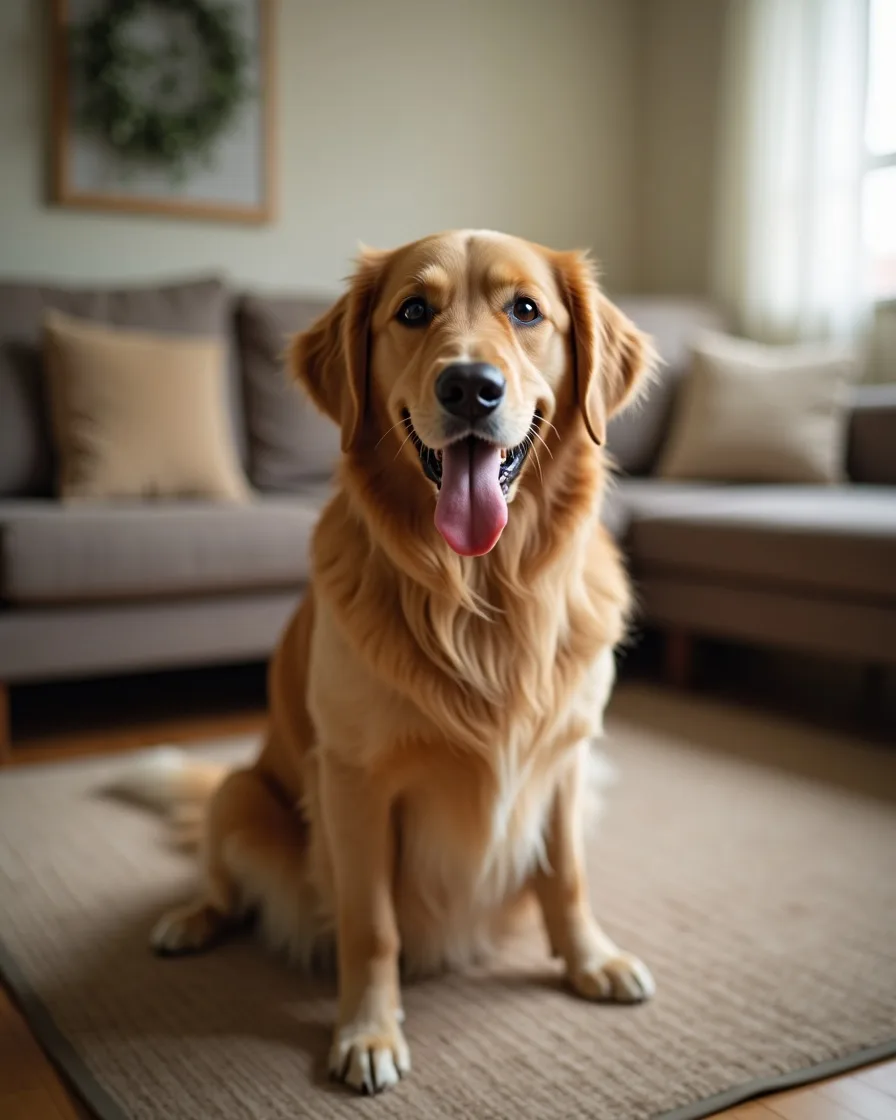
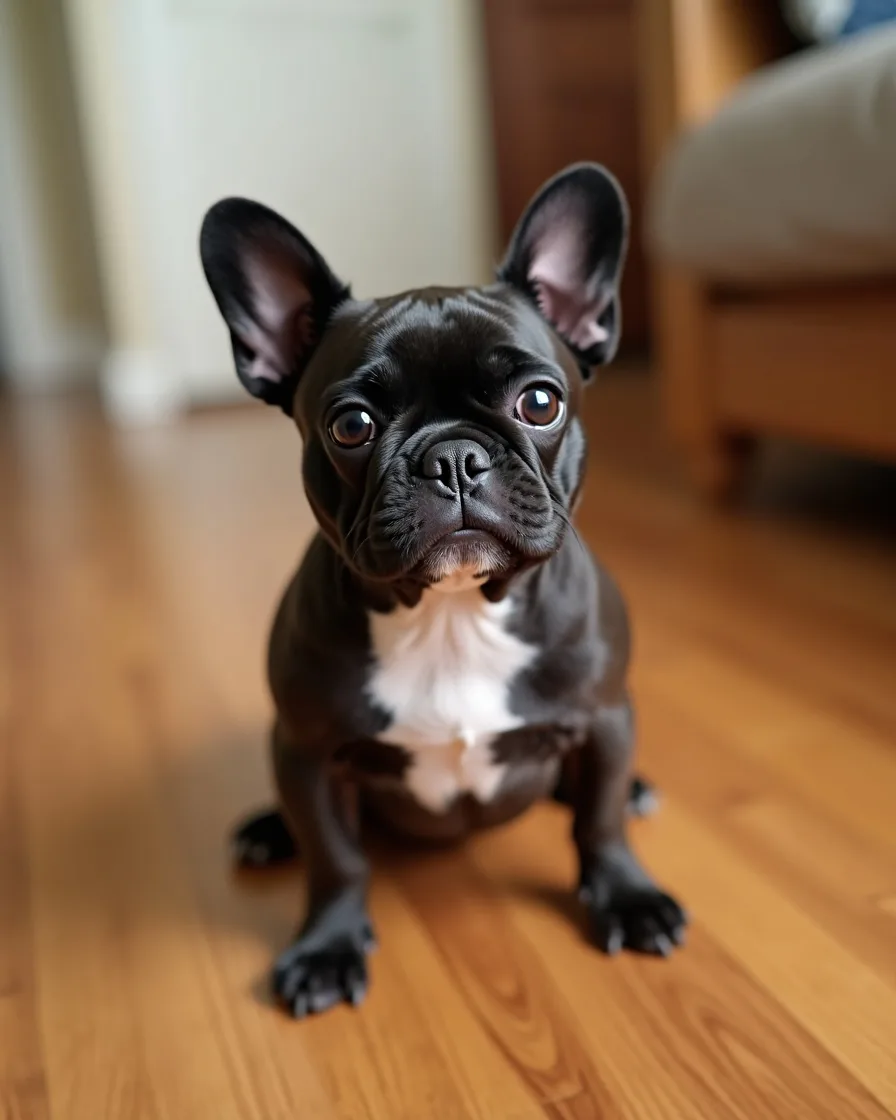
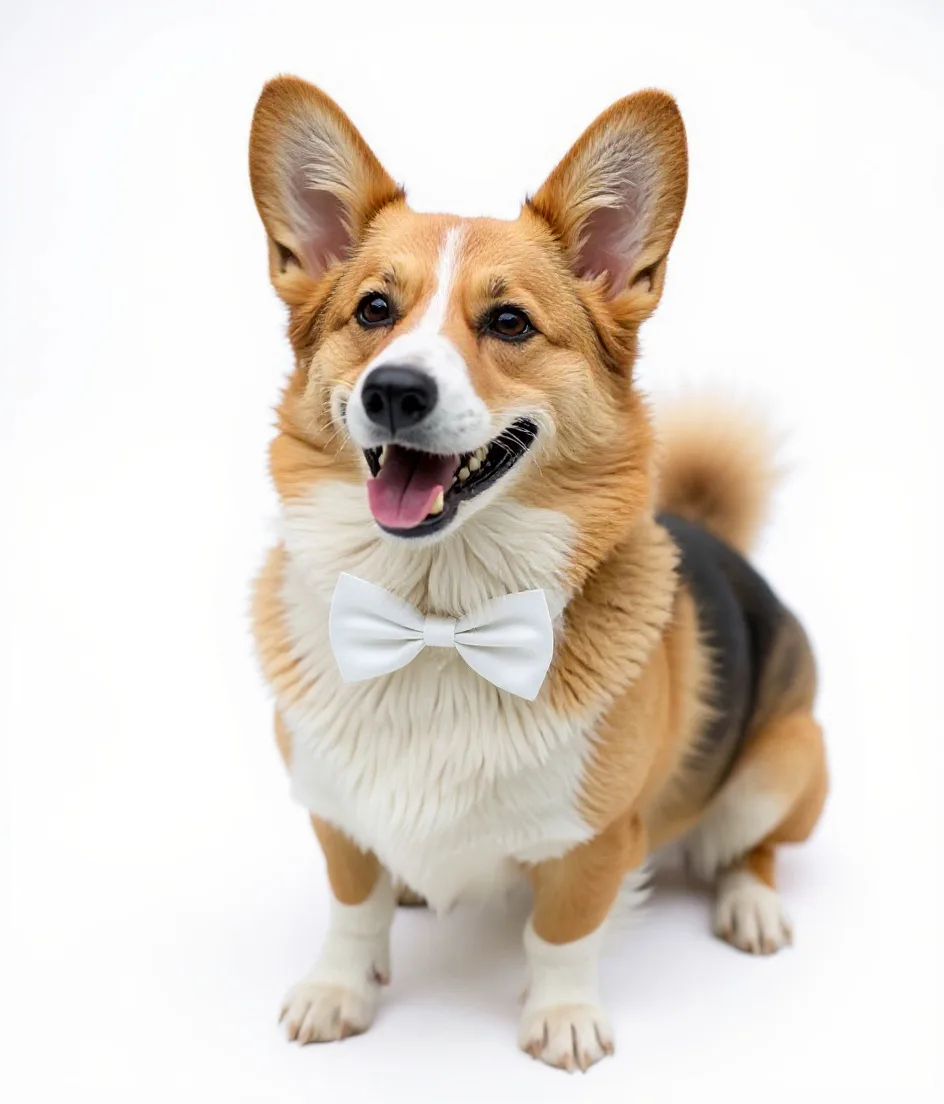
State-of-the-art segmentation handles fur, whiskers, and leashes cleanly. No manual tracing.
Curated scenes
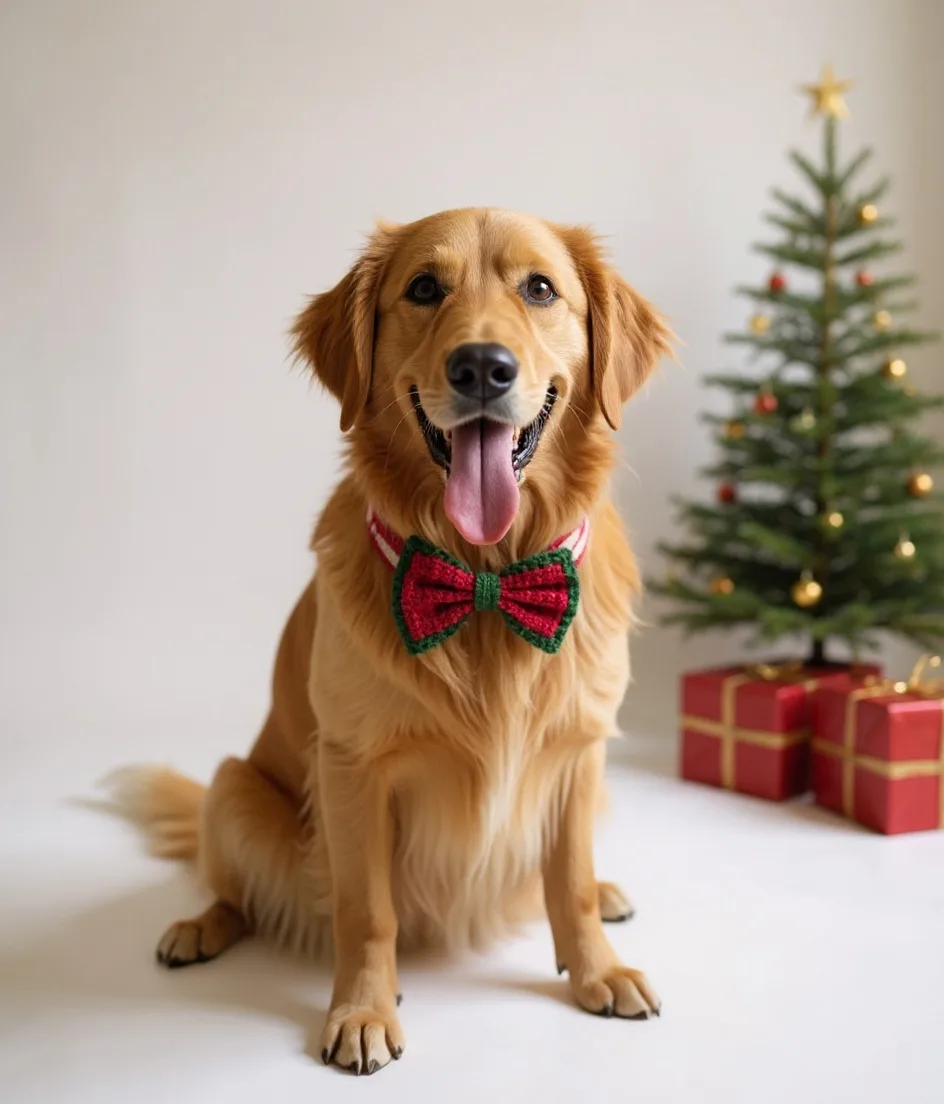
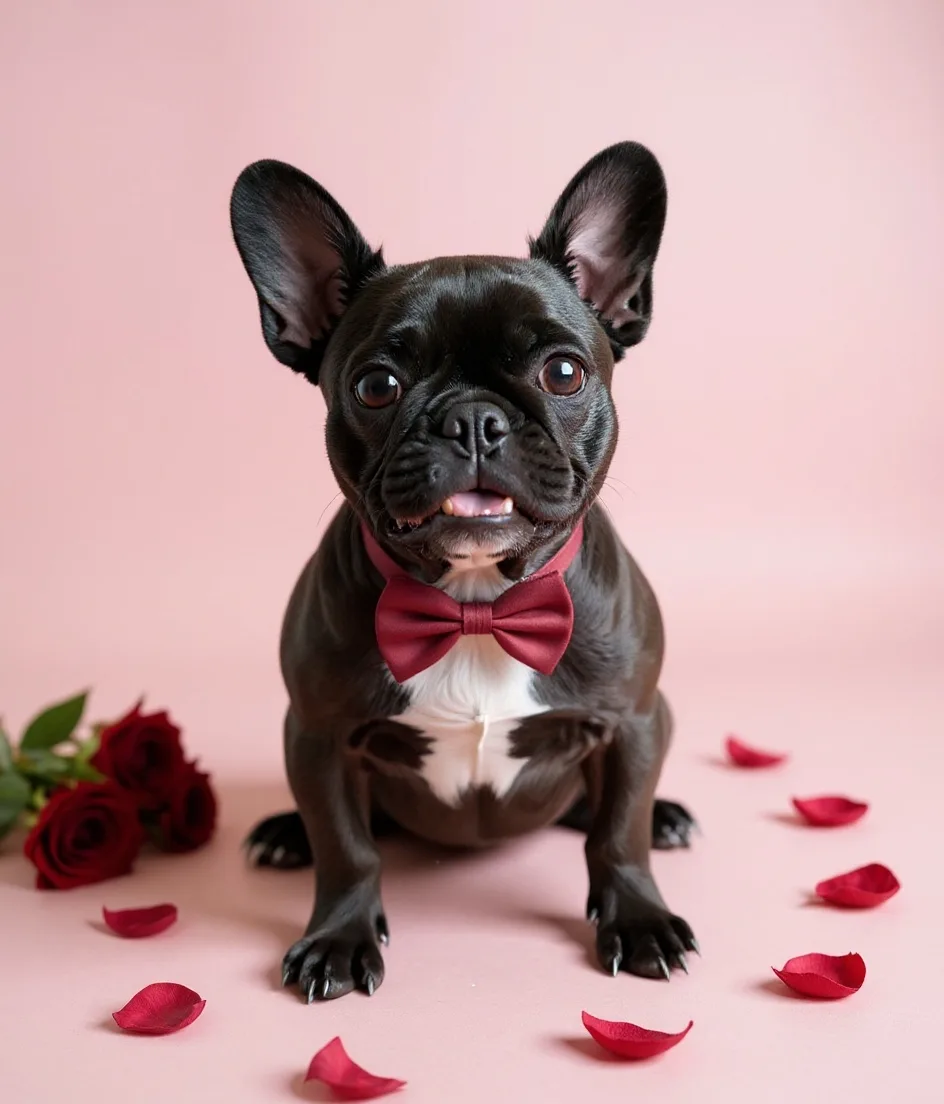
Hand-picked backgrounds tuned for pet photos — soft studio, warm sunset, crisp editorial, more coming.
Live drag & scale
Place your pet exactly where you want. Scroll to zoom, drag to move. It just feels right.
Your logo, your rules
Upload your salon logo, pick a corner, adjust size and opacity. Your brand, every time.
High-res download
Export at 1600px for Instagram posts, Stories, Google profile, print — JPEG quality, ready to share.
Private by default
Your photo is processed and sent back, never stored. Close the tab and it's gone.
How it works
From phone photo to finished post in under a minute
Upload
Drop in a photo from your phone or desktop. JPG, PNG, WebP, up to 8MB. Any pet, any lighting.
Pick your scene
Choose a curated background, drag your pet into place, scale to taste. Add your logo in one click.
Download & post
Export in the exact size for Instagram post, Story, or Google Business. Paste straight into your scheduler.
Made for groomers
Marketing shouldn't feel like another job
Most groomers don't have time to open Photoshop — or the budget for Canva Pro. The Pet Photo Studio is built for the in-between: fast, focused, and already tuned for the photos you actually take.
Use it between appointments. Post the results. Fill your book.
Quick wins in the lobby
Snap an after-groom photo. Two minutes later it's on Instagram.
Consistent branding
Same logo, same positioning, same polish — every single post.
Keeps photos client-ready
Perfect for review requests, thank-you texts, and send-home cards.
FAQ
Questions, answered
Is the Pet Photo Studio really free?
Yes. No sign-up, no credit card, no trial. You can make as many images as you want. We add a small 'made with talopet.com' mark in the corner — that's how we keep the tool free. Paid Talopet plans remove it.
Will my uploaded photo be saved or used to train AI?
No. Your photo is sent to our background-removal service, cut out, and sent back — we do not store the original or the result on our servers. Once you close the tab, it's gone.
What kinds of pet photos work best?
Well-lit photos with the pet in the foreground work best. Avoid blurry photos, very dark images, or photos where the pet is behind something. JPG, PNG, or WebP, up to 8MB.
Can I use the exported image for my business?
Yes — the output is yours to use for your grooming business: Instagram posts, Google Business profile, flyers, print, thank-you cards, whatever you want.
Why does the studio sometimes take a few seconds?
The background-removal step runs on a specialized AI model that typically completes in 2–4 seconds. On slower connections or very large photos it may take a little longer.
Does it work on my phone?
Yes — the entire studio runs in your mobile browser. You can upload from your camera roll, drag your pet around the preview, and save the finished image straight to your photos.